Estimated read time: 7-8 minutes
This archived news story is available only for your personal, non-commercial use. Information in the story may be outdated or superseded by additional information. Reading or replaying the story in its archived form does not constitute a republication of the story.
SALT LAKE CITY — It’s Jan. 4. How are your New Year’s resolutions coming along?
If you’ve already messed up, perhaps you’ll find solace in the fact that one day after I vowed to eat healthier, someone brought cake into the newsroom and I ate two slices by 9 a.m.
Resolutions can be discouraging because we all know we’re going to fail at some point. It’s a running joke that we abandon our goals by mid-January. But imagine what we could accomplish if, instead of giving up at the first sign of failure, we just picked ourselves back up and tried again?
I know, I know. Easier said than done.
To help you out a little, I’ve created a list of tech tools that can aid you in accomplishing your goals without breaking the bank.
If you’ve made another resolution I haven’t covered here, I bet you almost anything there’s some sort of tech tool to help you accomplish it. If you can’t find anything after a Google search, click on my email icon below and let me know — I’d love to help.
Tracking your habits:
Studies have proven time and time again that you’re more likely to accomplish your goals when you write them down and track them. If you’re a pen and paper kind of person, that’s great. But if it’s easier for you to use the one thing you carry pretty much night and day, consider downloading a habit tracker app onto your smartphone.
Do you have a goal to exercise every other day or start going to bed on time? Habit trackers can notify and remind you of your goals throughout the day, then track your progress as you go.
My personal favorite is Strides. The free version of the app lets you track up to seven different habits at a time — whether you’re trying to make a habit or break it. It will also notify you during the day at times you choose, and you can go back and look at a broad overview of your month or week to see how you did with each of your goals.
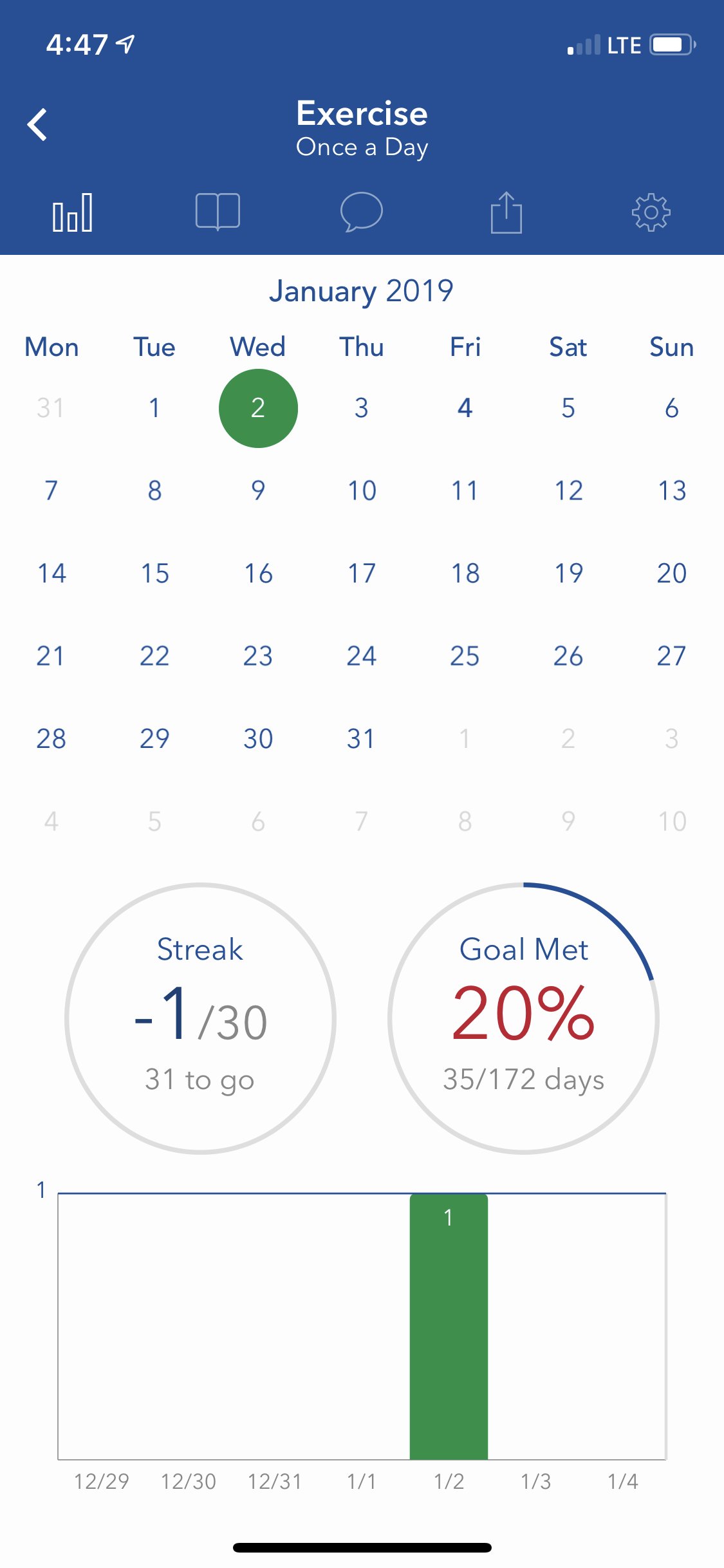
Another good option is Productive. The (also free) app focuses on streaks or stretches of days when you completed all the goals you set yourself. I found it slightly less intuitive and helpful than Strides, but it may be what works best for you. And if you have an Android? Try Habit-Bull.
Investing:
This may seem like a weird time to start investing, what with the stock market and all, but maybe you want to jump in while the market’s down? (I am not a financial expert, please consult an actual professional before taking my words to heart).
If you do want to start investing, however, there is no shortage of apps that can help you get started, even if you’re a little confused by the stock market.
My boss has been trying to get me into Robinhood for forever, and it sounds like a pretty good deal. Robinhood offers free stock trades, meaning you can download the app, connect to your bank, fund your account and trade fee-free.
If you want to invest but don’t want to think about it too much, use Acorns. Just link a debit or credit card, and each time you pay for something, Acorns will invest whatever you would have received in spare change had you paid in cash. If you pay $5.26 for a Little Ceasar’s pizza, Acorns will invest 74 cents. It’s perfect if you don’t want to spend too much (hence, Little Caesar’s).
Some other possibilities: Stash and Clink.
Reading and learning:
Do you have a goal to read more or be a lifelong learner, but never the time to just sit down and crack open a book? Amazon’s Alexa can sync with a lot of your apps and help you catch up on the news or listen to podcasts and books while you’re busy doing something else like washing dishes or folding laundry (a resolution I reluctantly set). You can even ask her to play KSL Newsradio, and she’ll obediently comply!
Smart assistants may not be for everyone since they can get a little expensive, but Amazon’s Echo Dot only costs $30 if you’re looking for a relatively cheap option that does pretty much everything you need it to. Alexa can even help you organize your calendar if you've set a resolution to plan better.
If you live in Salt Lake City and want a really cheap way to learn, the Salt Lake Public Library offers those with library cards free access to Lynda.com — a massive online course website. In fact, check out any of your local libraries for free learning tools. They often have a lot more resources than you may think.

Waking up on time:
If one of your resolutions is to stop hitting the snooze button so much, but you don’t want to spring for one of those expensive light alarms that simulate a sunrise, buy a smart outlet and hook it up to your lamp and Echo Dot. You can tell Alexa to turn on your lamp at a certain time and play a music alarm simultaneously.
I am, personally, very excited to try this as soon as I get around to setting up my outlet. Maybe it will help me with my other goal of being on time.
Budgeting:
This is an article about tech tools that won’t break the bank, so I assume you’re interested in saving money. If you want to be better at budgeting, there are plenty of free apps out there to help you track your expenses and eliminate subscriptions to things you forgot about and no longer need.
Mint will help you take a look at your current financial snapshot, create and manage budgets, track savings goals and make sure your bills get paid. I use Clarity, which is also free and does a lot of the same things, including keeping track of your credit score and managing all your financial accounts from one place.
Losing weight:
Ah, the age-old New Year's resolution. We all want to shed a few pounds, but we often seem to fail. There are so many tech tools out there that are meant to help us lose weight, but they all seem to be expensive or complicated.
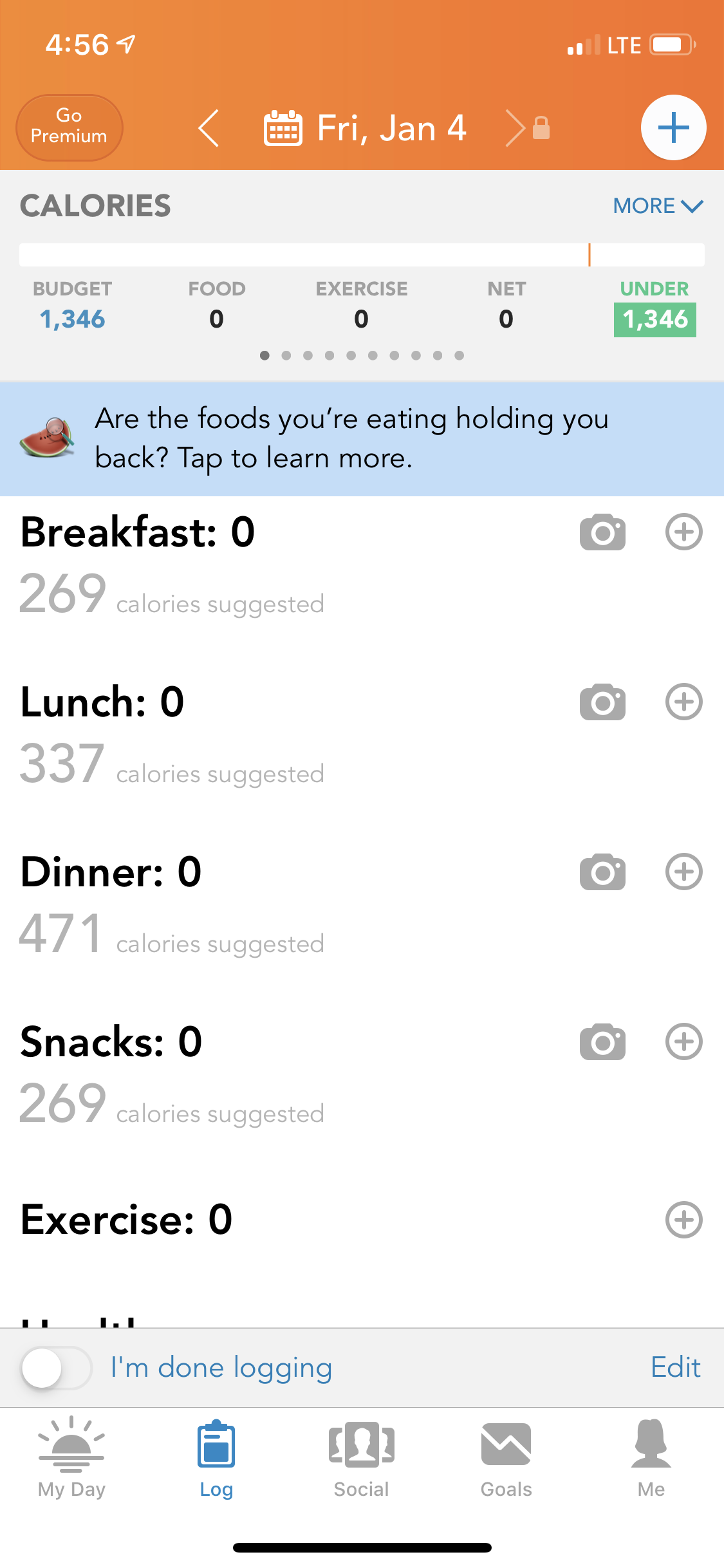
Lose It! is probably the best free app I’ve found out there that helps you track your calories, food’s nutritional value and exercise. A lot of people have used it, so there is a lot of food already in Lose It!’s database. You can also scan barcodes or take pictures of your food, and Lose It! will tell you how many calories your food is and how much fat, carbs and protein you’re consuming.
Some other apps to consider: Strava (to track your runs, bikes etc.) and Runkeeper.
If you wish you had a Fitbit to track your steps but don’t want to pay that much, there are some cheaper alternatives, like the LETSCOM Fitness Tracker.
Mindfulness and meditation:
Want to be more mindful or meditate more? Check out KSL.com’s list.
Declutter your inbox:
Are you tired of your terribly unorganized and chock-full inbox? Take a look at some tips and tricks for using Gmail on KSL.com.
Get your life together:
Want to just generally get your life together? There’s probably an app for that. Check out KSL.com’s coverage.